
Navigate to the https://aws.amazon.com/marketplace (Marketplace) in your AWS account, and search for lightbits.
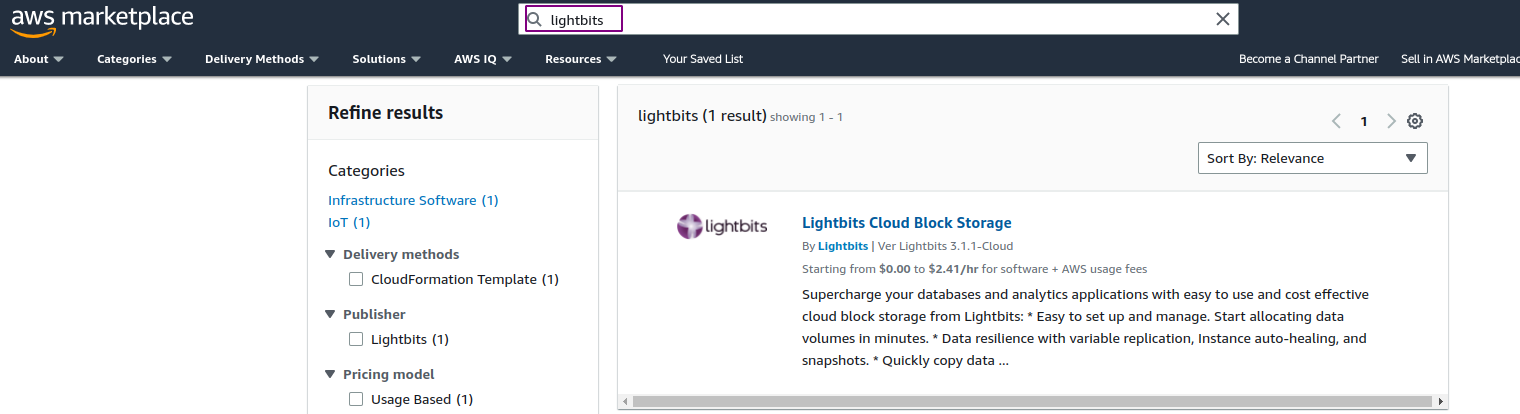
Click the first option: Lightbits Cloud Block Storage.
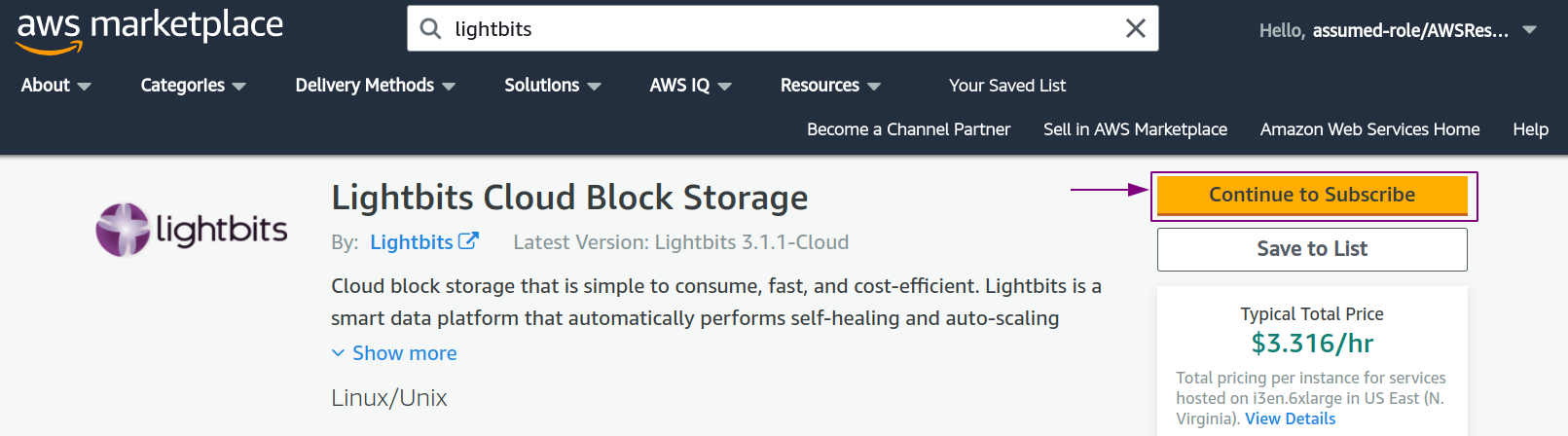
Click Continue to Subscribe, and you will be prompted to log in to your AWS account.
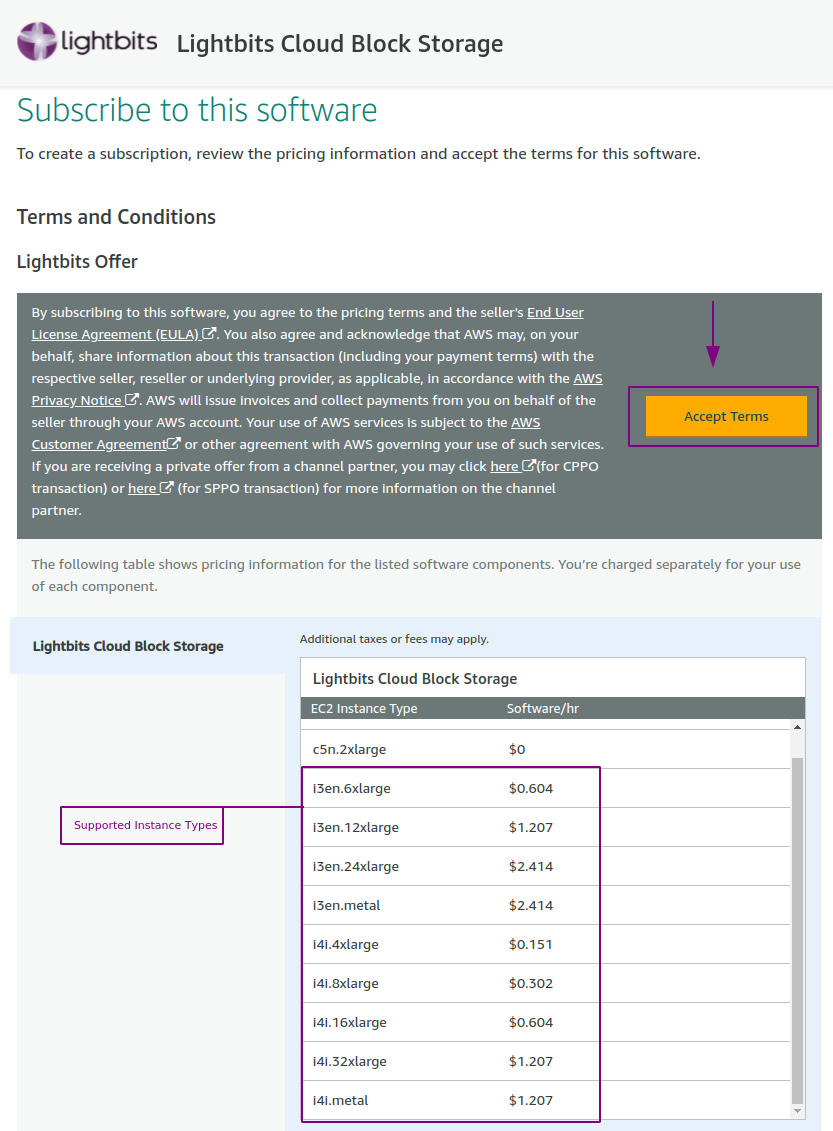
Once logged in, click Accept Terms.
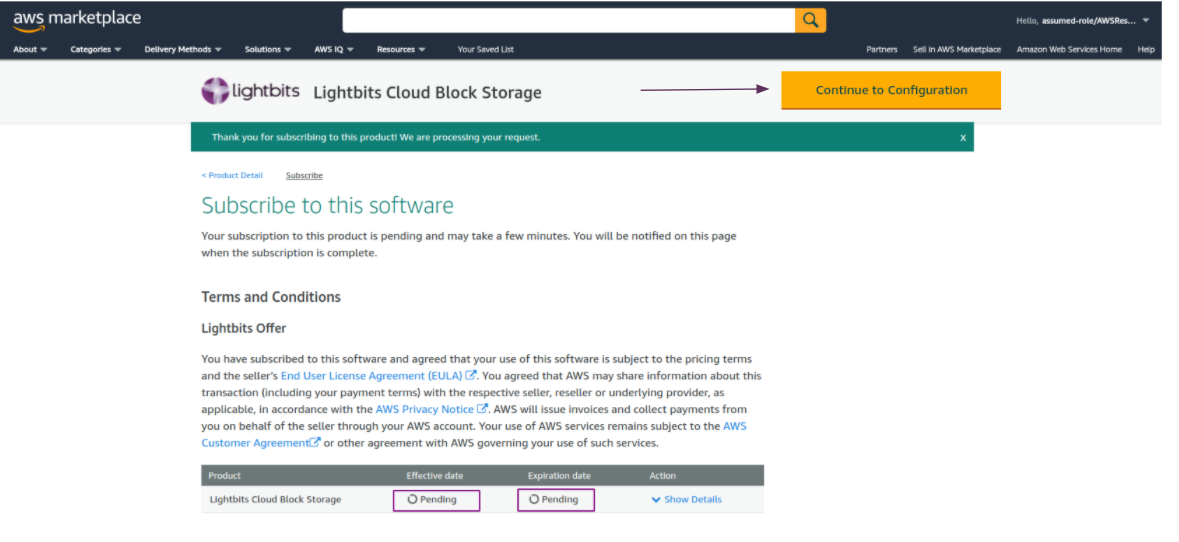
Wait for 1-2 minutes for the product to be available for configuration.
Once it is ready, click Continue to Configuration to start the deployment process.
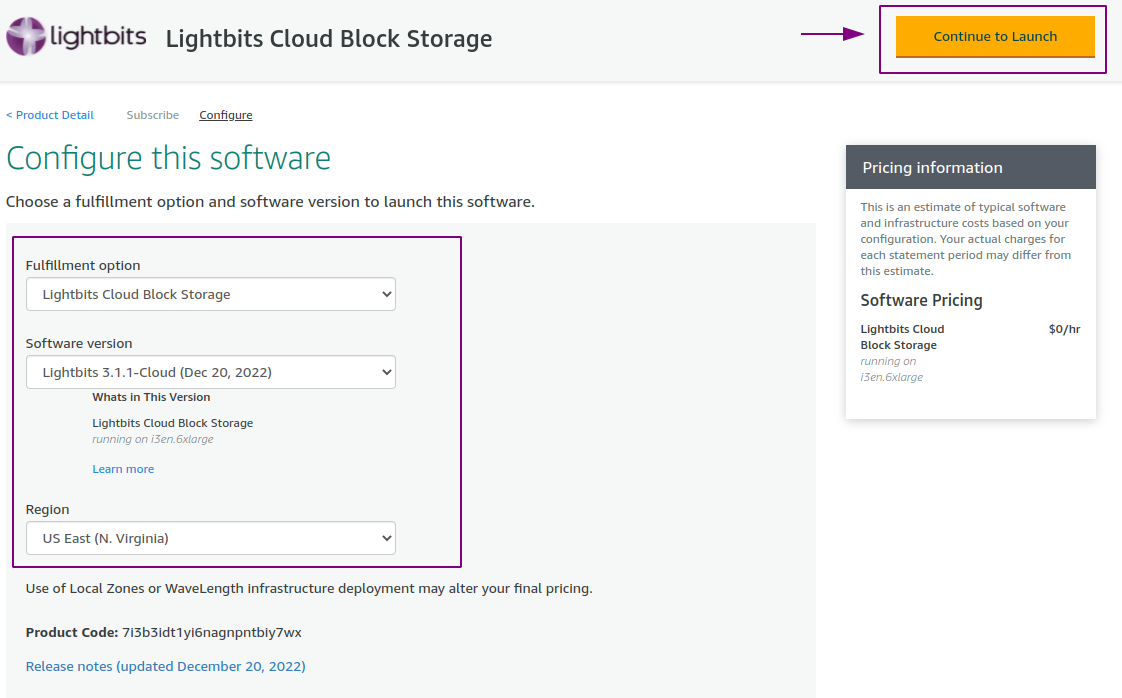
Select the Lightbits Cloud Block Storage fulfillment option.
Select the latest available software version.
Select your region.
Click Continue to Launch. Note that here you can find the release notes of the latest version.
Click Launch CloudFormation and you will be prompted to the CF Stack launch page.
This completes the subscription process to the Lightbits listing in the AWS Marketplace.